
Technology · Mercado Libre
27-inch monitor
More screen space for code, documents, and multitasking.
See price on Mercado LivreView product: 27-inch monitor (Mercado Libre)Price and availability can change on Mercado Livre.
Convert images to PNG, JPEG, or WebP, resize them, and adjust quality in your browser.
Convert images to PNG, JPEG, or WebP, resize them, and adjust quality in your browser. Simple tools do not require an account. Files are sent to a server only when the tool explains the transfer and you confirm it.
The browser redraws the uploaded image and exports PNG, JPEG or WebP. The file is processed locally; this is not a lossless metadata-preserving conversion.
JPEG suits photographs without transparency. PNG retains transparency and is useful for sharp graphics. WebP supports transparency and can reduce photographic file size, but compare the result at its actual display dimensions.
Resizing a 5000-pixel image for a 1200-pixel display often saves more than changing quality alone. Lower quality is relevant to lossy JPEG/WebP; PNG does not use that slider as a lossy compression setting.
Canvas export can discard EXIF and other metadata. Converting an animated image produces a still result in this tool. Keep the original, inspect transparent edges after export and verify the downloaded file’s format in the receiving application.
No. The canvas export produces a still image; keep the original if you need its animation.
Some links on this page are affiliate links. We may earn a commission from a purchase at no extra cost to you.
Technology · Mercado Libre
More screen space for code, documents, and multitasking.
See price on Mercado LivreView product: 27-inch monitor (Mercado Libre)Price and availability can change on Mercado Livre.
Technology · Mercado Libre
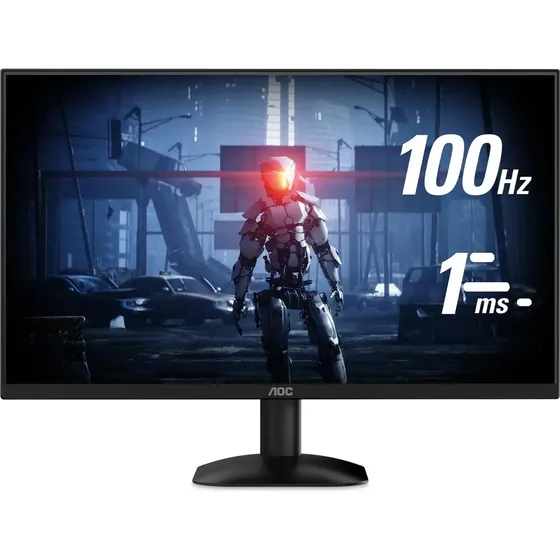
An option for a workspace. Compare dimensions, adjustments, and fit for your routine.
See price on Mercado LivreView product: AOC 24-inch 100 Hz monitor (Mercado Libre)Price and availability can change on Mercado Livre.
Technology · Mercado Libre
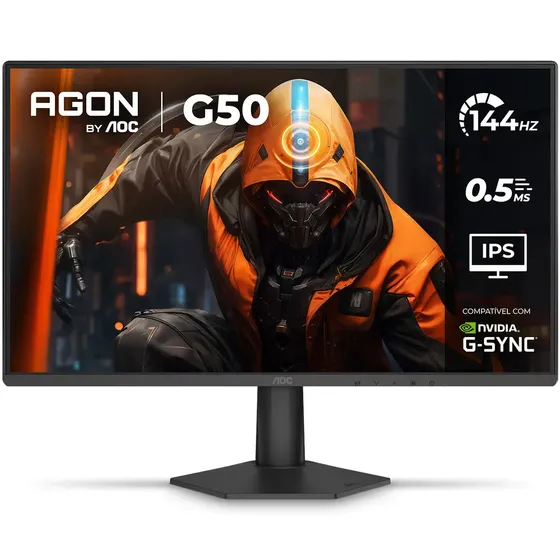
An option for a workspace. Compare dimensions, adjustments, and fit for your routine.
See price on Mercado LivreView product: AOC Agon 24-inch 144 Hz monitor (Mercado Libre)Price and availability can change on Mercado Livre.