
Technology · Mercado Libre
27-inch monitor
More screen space for code, documents, and multitasking.
See price on Mercado LivreView product: 27-inch monitor (Mercado Libre)Price and availability can change on Mercado Livre.
Create a wa.me link with a phone number and prefilled message.
Create a wa.me link with a phone number and prefilled message. Simple tools do not require an account. Files are sent to a server only when the tool explains the transfer and you confirm it.
Enter a phone number and, if useful, a message to prepare a wa.me link. The link opens a chat addressed to that number; it does not send the message for you.
The tool removes punctuation and spaces from the phone field and accepts 10 to 15 digits. It does not infer a country code, validate an area code, or check whether the number has a WhatsApp account. For a Brazilian number, include Brazil’s country code 55 before the area code and subscriber number.
A prefilled message is placed in the link as an encoded query value so characters such as spaces and ampersands do not break the URL. The recipient still has to open the chat and press Send. Avoid including private information in a link that will appear in a public page, QR code, or campaign.
No. It opens a chat with the text prefilled when WhatsApp supports the link. A person must review and send it.
The tool preserves only the digits you type. Without an international country code, WhatsApp may interpret the number incorrectly or fail to open the intended chat.
Some links on this page are affiliate links. We may earn a commission from a purchase at no extra cost to you.
Technology · Mercado Libre
More screen space for code, documents, and multitasking.
See price on Mercado LivreView product: 27-inch monitor (Mercado Libre)Price and availability can change on Mercado Livre.
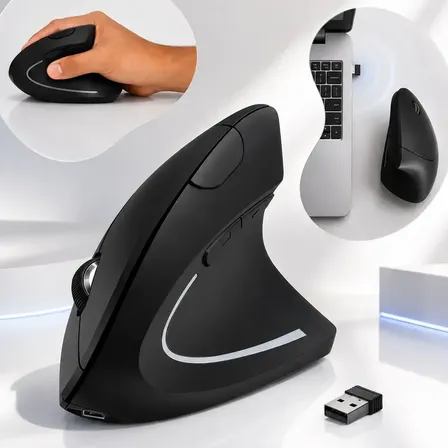
Technology · Mercado Libre
Compare size, adjustment, and fit with your hand and routine.
See price on Mercado LivreView product: Ergonomic vertical mouse (Mercado Libre)Price and availability can change on Mercado Livre.
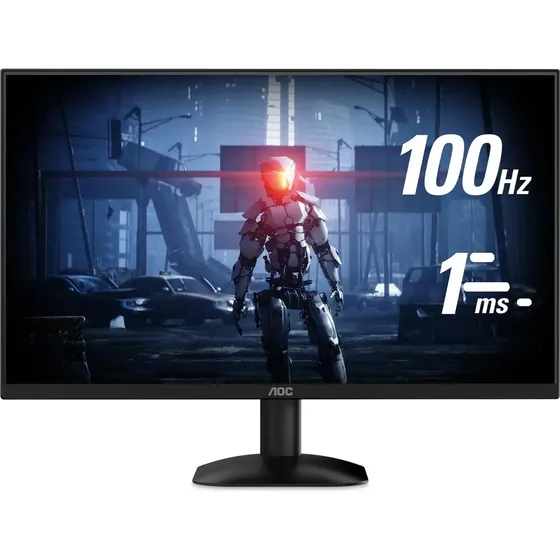
Technology · Mercado Libre
An option for a workspace. Compare dimensions, adjustments, and fit for your routine.
See price on Mercado LivreView product: AOC 24-inch 100 Hz monitor (Mercado Libre)Price and availability can change on Mercado Livre.