Kitchen · Mercado Libre
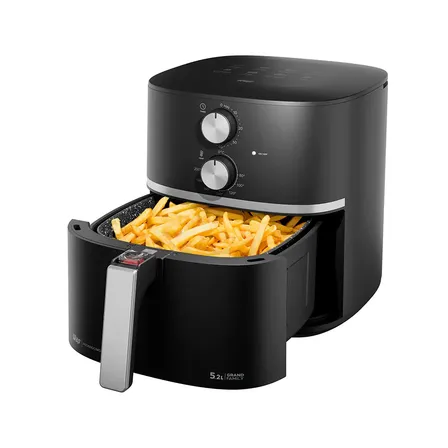
About 5 L air fryer
Compare the advertised volume with usable basket area and counter space.
See price on Mercado LivreView product: About 5 L air fryer (Mercado Libre)Price and availability can change on Mercado Livre.
Add items and prices to check the total and remaining budget.
Add items and prices to check the total and remaining budget. Simple tools do not require an account. Files are sent to a server only when the tool explains the transfer and you confirm it.
Enter one item and price per line, then set a budget to see the total and amount remaining or exceeded. The list uses a simple name;price format.
For example, “Apples;12.50” or “Apples;12,50” is parsed as an item named Apples priced at 12.50. Blank lines are ignored, and the last semicolon on a line separates the name from its price. The tool adds entered prices without estimating tax, discounts, quantities, or delivery.
Enter prices as plain numbers without currency symbols or thousands separators; a formatted value such as 1,234.56 will not parse correctly because commas are treated as decimal marks. The result compares the list total with the budget you enter and does not access store prices or save a shopping basket.
Yes. The parser uses the last semicolon on each line as the separator before the price.
No. It adds only the prices entered; include applicable amounts yourself if you want them in the comparison.
Some links on this page are affiliate links. We may earn a commission from a purchase at no extra cost to you.
Kitchen · Mercado Libre
Compare the advertised volume with usable basket area and counter space.
See price on Mercado LivreView product: About 5 L air fryer (Mercado Libre)Price and availability can change on Mercado Livre.
Kitchen · Mercado Libre
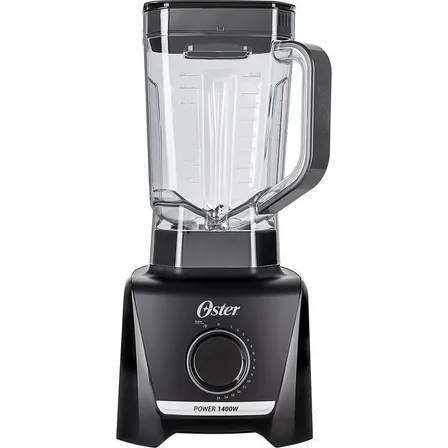
Compare capacity, jar material, cleaning, and supported uses.
See price on Mercado LivreView product: Blender (Mercado Libre)Price and availability can change on Mercado Livre.
Kitchen · Mercado Libre
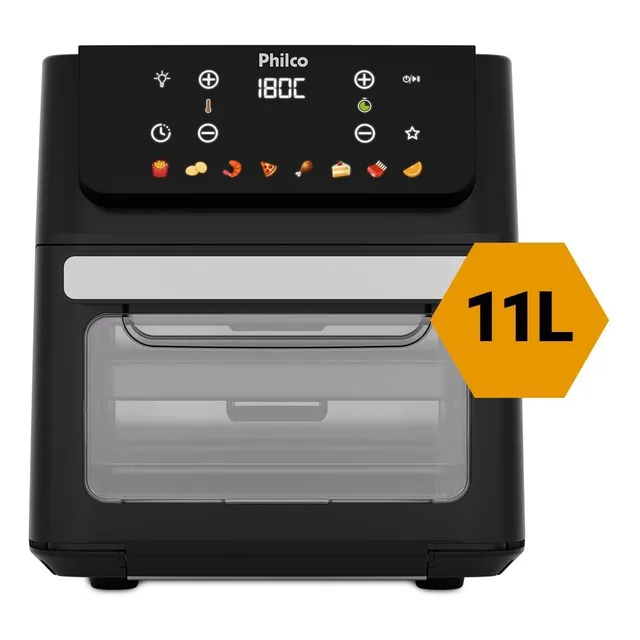
Oven-style model for larger batches; check its dimensions and functions.
See price on Mercado LivreView product: Philco 11 L air fryer oven (Mercado Libre)Price and availability can change on Mercado Livre.